
月間アーカイブ
- 2026年11月
- 2026年10月
- 2026年9月
- 2026年8月
- 2026年7月
- 2026年6月
- 2026年5月
- 2026年4月
- 2026年3月
- 2026年2月
- 2026年1月
- 2025年12月
- 2025年11月
- 2025年10月
- 2025年9月
- 2025年8月
- 2025年7月
- 2025年6月
- 2025年5月
- 2025年4月
- 2025年3月
- 2025年2月
- 2025年1月
- 2024年12月
- 2024年11月
- 2024年10月
- 2024年9月
- 2024年8月
- 2024年7月
- 2024年6月
- 2024年5月
- 2024年4月
- 2024年3月
- 2024年2月
- 2024年1月
- 2023年12月
- 2023年11月
- 2023年10月
- 2023年9月
- 2023年8月
- 2023年7月
- 2023年6月
- 2023年5月
- 2023年4月
- 2023年3月
- 2023年2月
- 2023年1月
- 2022年12月
- 2022年11月
- 2022年10月
- 2022年9月
- 2022年8月
- 2022年7月
- 2022年6月
- 2022年5月
- 2022年4月
- 2022年3月
- 2022年2月
- 2022年1月
- 2021年12月
- 2021年11月
- 2021年10月
- 2021年9月
- 2021年8月
- 2021年7月
- 2021年6月
- 2021年5月
- 2021年4月
- 2021年3月
- 2021年2月
- 2021年1月
- 2020年12月
- 2020年11月
- 2020年10月
- 2020年9月
- 2020年8月
- 2020年7月
- 2020年6月
- 2020年5月
- 2020年4月
- 2020年3月
- 2020年2月
- 2020年1月
- 2019年12月
- 2019年11月
- 2019年10月
- 2019年9月
- 2019年8月
- 2019年7月
- 2019年6月
- 2019年5月
- 2019年4月
- 2019年3月
- 2019年2月
- 2019年1月
- 2018年12月
- 2018年11月
- 2018年10月
- 2018年9月
- 2018年8月
- 2018年7月
- 2018年6月
- 2018年5月
- 2018年4月
- 2018年3月
- 2018年2月
- 2018年1月
- 2017年12月
- 2017年11月
- 2017年10月
- 2017年9月
- 2017年8月
- 2017年7月
- 2017年6月
- 2017年5月
- 2017年4月
- 2017年3月
- 2017年2月
- 2017年1月
- 2016年12月
- 2016年11月
- 2016年10月
- 2016年9月
- 2016年8月
- 2016年7月
- 2016年6月
- 2016年5月
- 2016年4月
- 2016年3月
- 2016年2月
- 2016年1月
- 2015年12月
新着情報
DAMON and BABY is having a physical release scheduled for February 18, 2027 (Thursday).
Arc System Works Co., Ltd. will release a physical version of the top-down action-adventure shooter “DAMON and BABY: RISE OF THE ORACLE” on Thursday, February 18, 2027.
This game is currently available in digital format for Nintendo Switch™, PlayStation®5, PlayStation®4, and Steam®.
This is a re-release of “DAMON and BABY,” with the additional story “RISE OF THE ORACLE” included and further quality of life improvements.
Also on the same day, the extra story chapter “RISE OF THE ORACLE” will be made available as a free update for all owners of the digital version. If you have already purchased the digital download version for Nintendo Switch, you can upgrade to the Nintendo Switch 2 Edition by purchasing only the “Upgrade Pack.”
■ Shoot, dodge, and anticipate. Gun action that packs satisfying punches too.
Aim in all directions and weave through gaps in enemy fire—a full-fledged twin-stick shooter that demands precise controls and split-second decision-making.
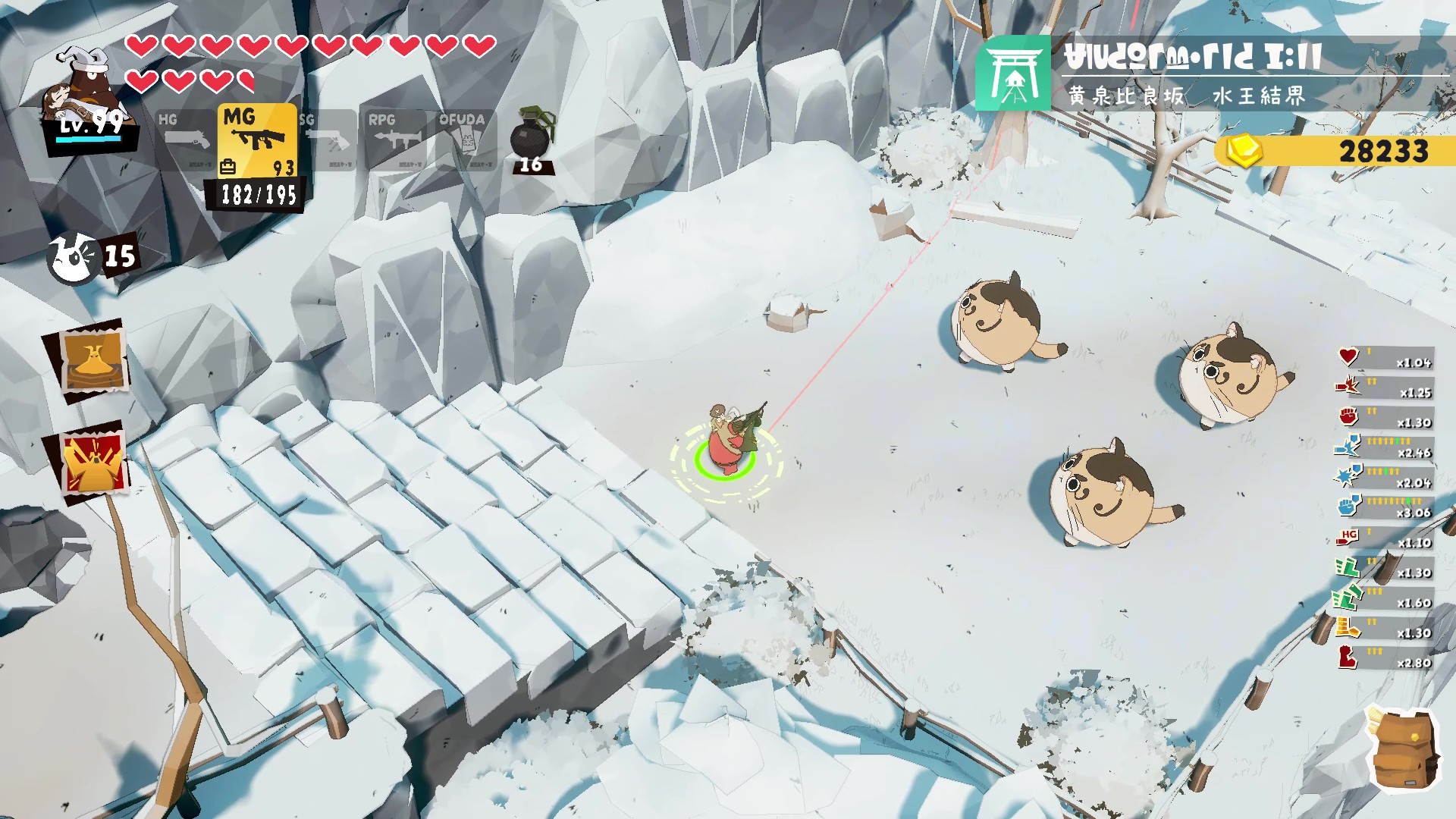
Each weapon, handgun, machine gun, shotgun, RPG, has different range, ammunition capacity, reload time, and mobility, so that aiming, and choosing the right weapon at the right distance can be the difference between life and death. Make good use of your close-range attacks to continue advancing through enemy lines without running out of ammo.
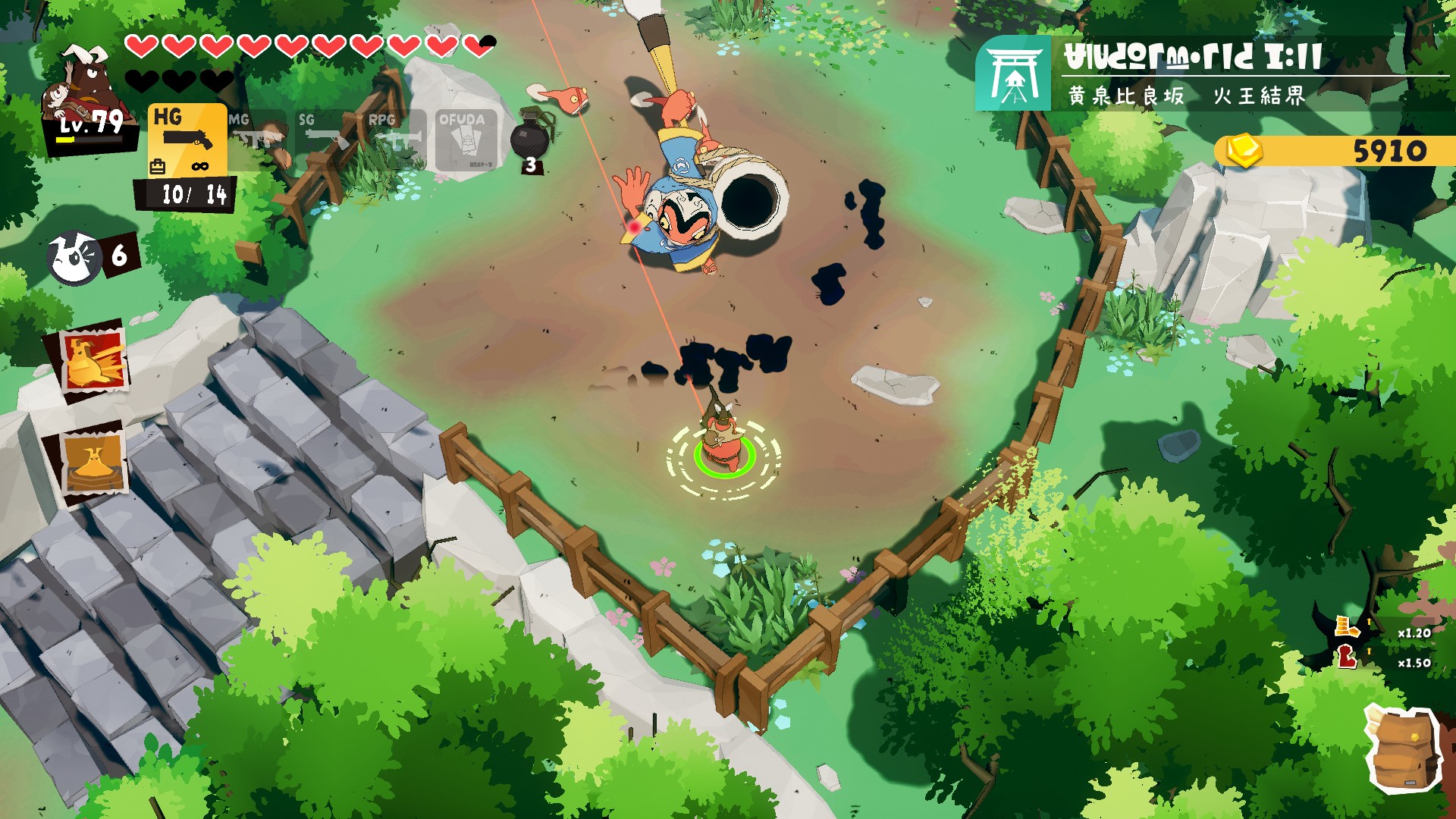
Each area features a boss with its own unique attack patterns and strategies for defeating them. Read their movements, adjust your equipment and tactics, and use your skills to take them down. For players seeking a challenge, there’s also the high-difficulty challenges, Lord Bloodedge’s Trials, which will test your combat and athletic abilities.
■Exploration-based action gameplay that takes you on a vast world.
The intricately designed regions are filled with branching routes, hidden passages, and powerful weapons and charms. Acquiring new abilities will allow you to reach previously inaccessible areas. Even areas you’ve already explored will hold new discoveries.
Combine weapons, skills, rings, charms, and food buffs to create a build that suits your playstyle. Will you overwhelm enemies head-on with high firepower, or dodge attacks and snipe from a distance? Re-evaluating your build depending on the tough enemy and finding the optimal solution is the core of this game.
■A strange partnership between a demon lord and a child
The protagonist is Damon, a demon lord who can’t be separated from a mysterious child. His adventure to break the curse unfolds in a bleak world reminiscent of 1970s America.
The game also supports offline two-player co-op. The second player controls a joyful canine companion, helping to overcome challenges by collecting items and assisting in combat.
■Includes the extra story “RISE OF THE ORACLE”. The battlefield is a “Japanese-style otherworld”.
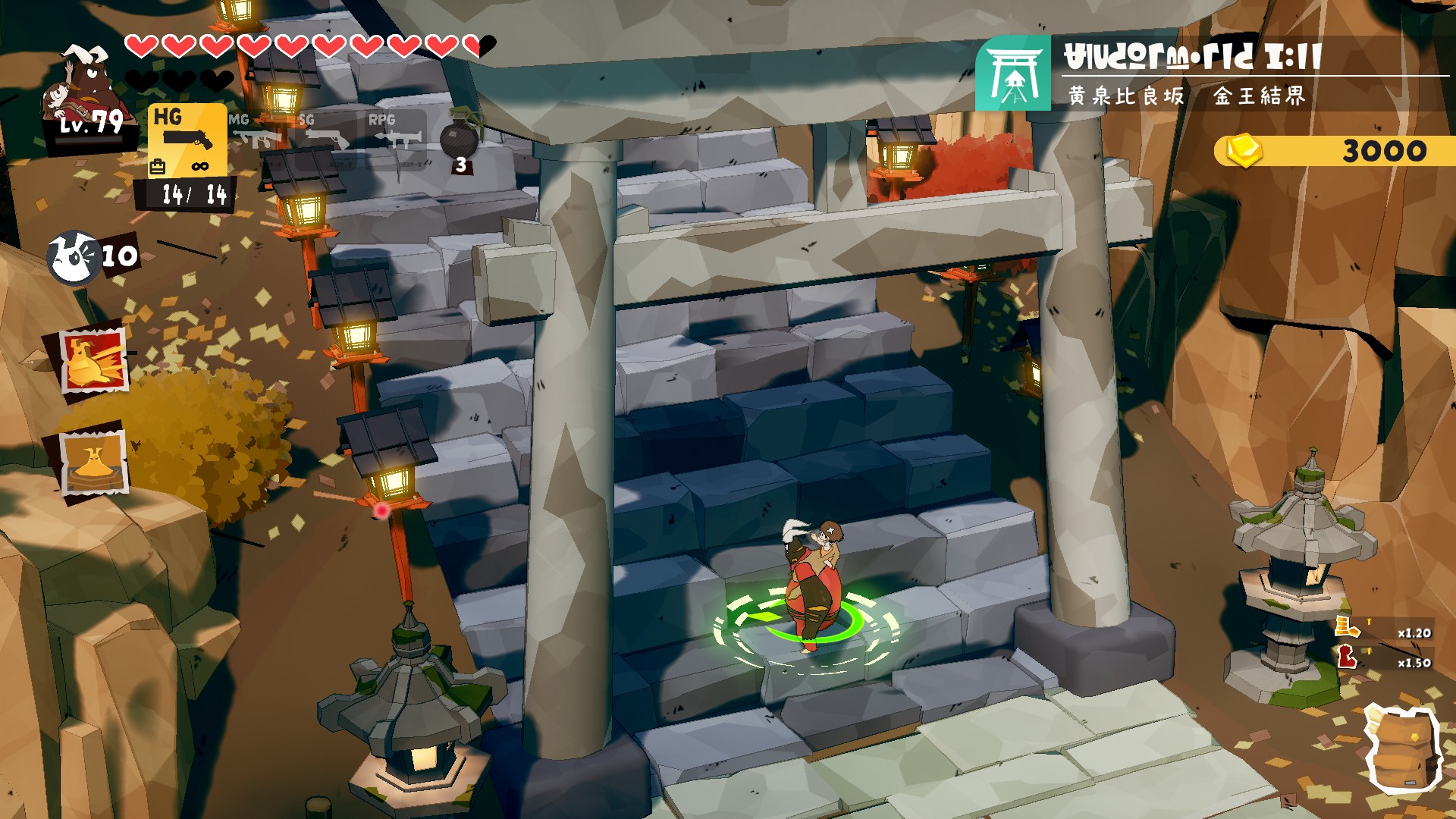
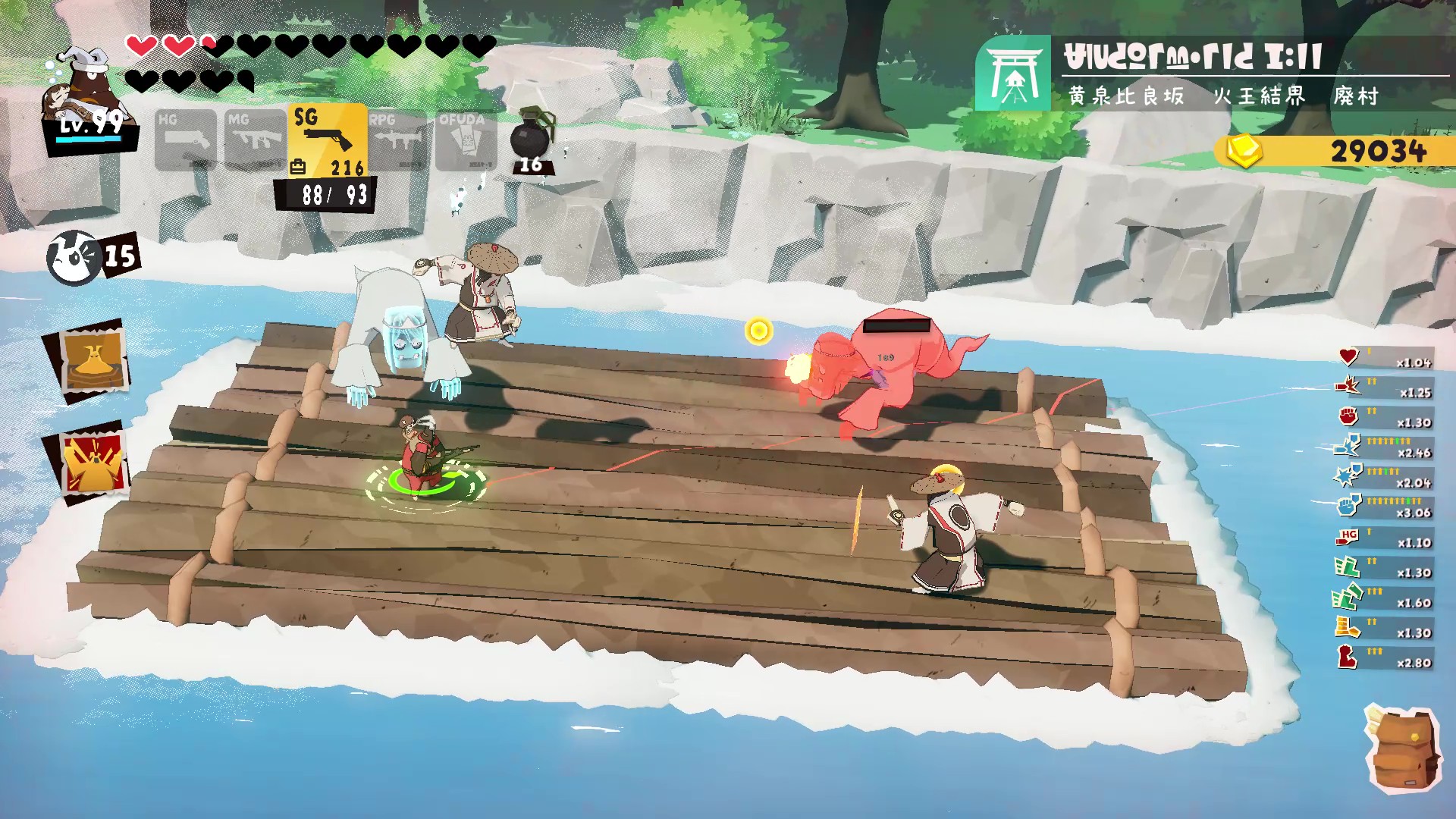
The packaged version includes the main story plus the extra story “RISE OF THE ORACLE.” A new battle against an enemy awaits in the Japanese-style otherworld “Yomotsu-Hirasaka.”
★ A Shattered Peace and a New Journey
Damon and his companions had been enjoying a brief, tranquil period of calm.
But one day, their everyday life comes to an abrupt end when an urgent plea arrives: “Please, save the person I owe everything to..”
Determined to protect the peace of his beloved family, Damon steps into the unknown, beyond a mysterious door.
★New region “Yomotsu-Hirasaka” and the Three Sacred Treasures
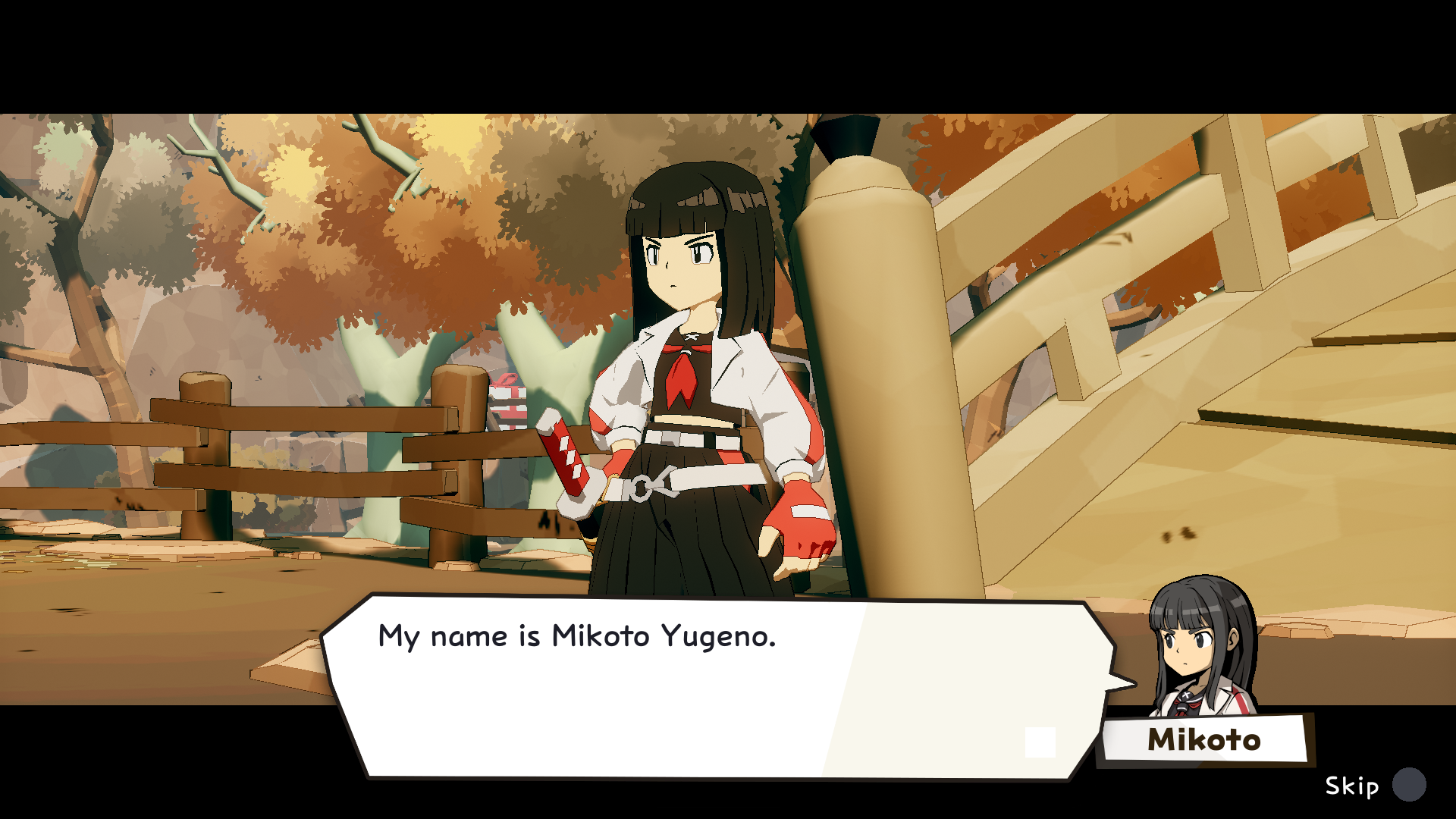
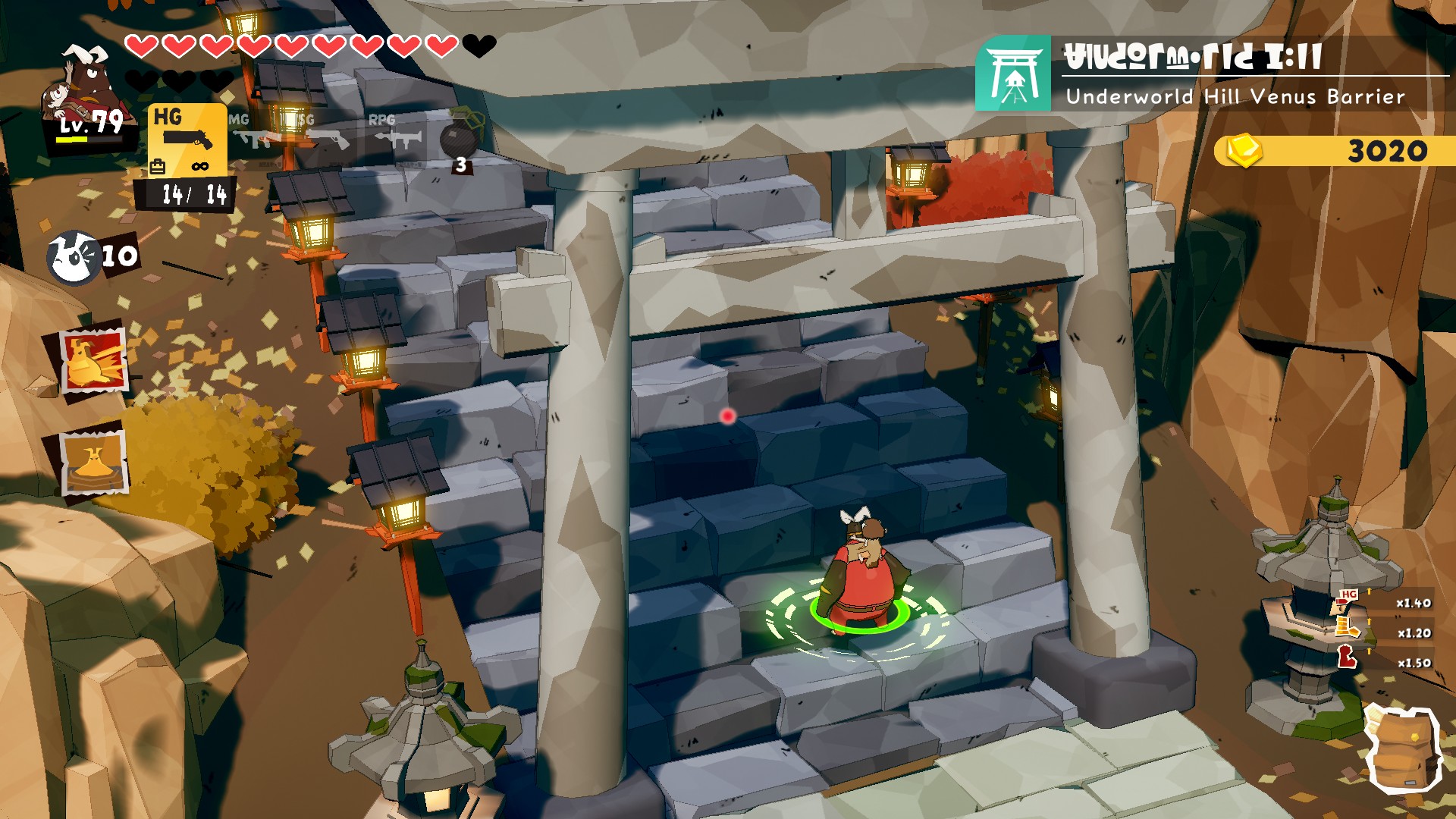
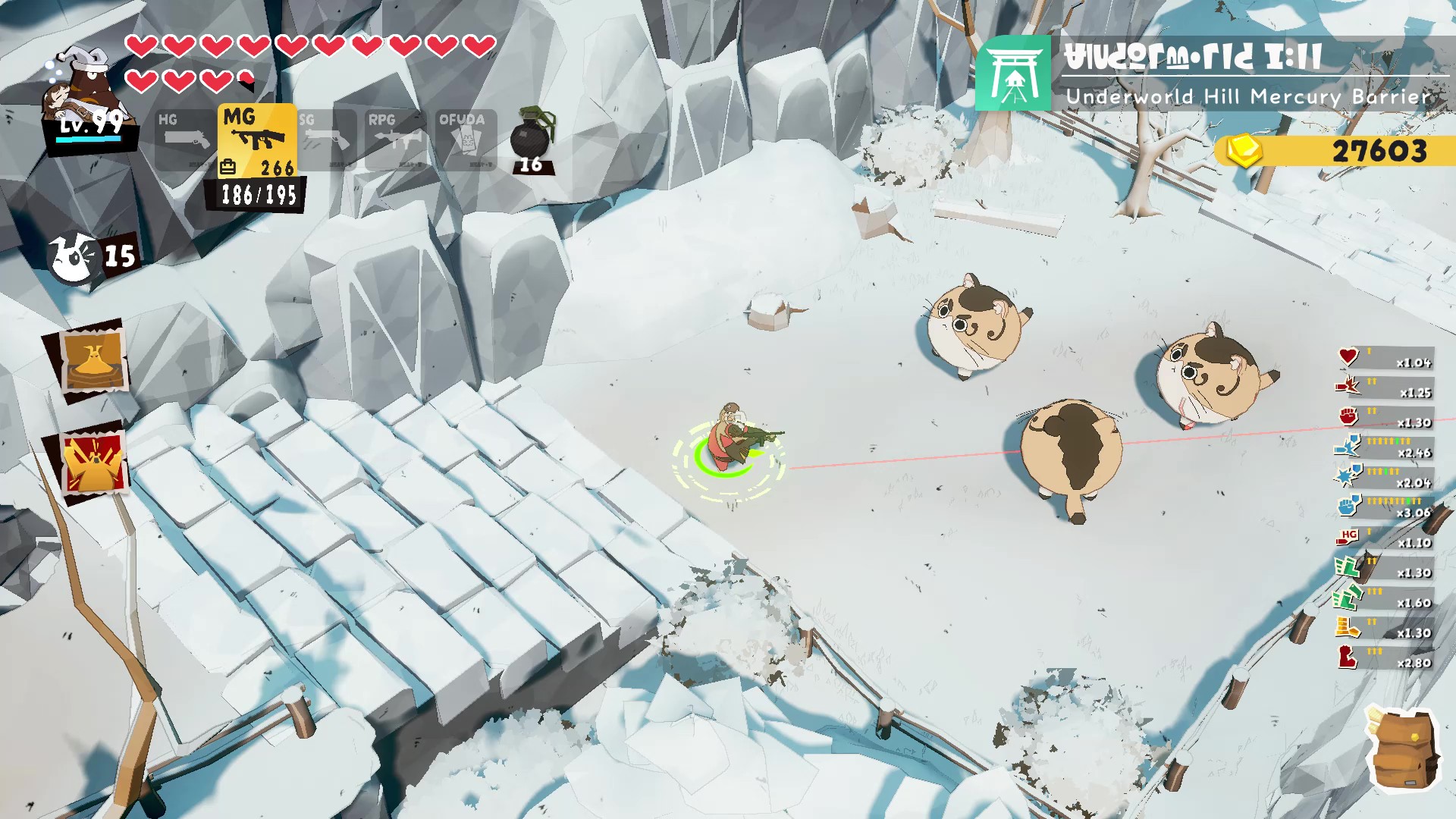
Beyond the door lies an otherworldly realm of the Orient, fragrant with autumn leaves and drifting scent of sweet osmanthus. A mysterious demon taking the form of japanese folklore monsters and the barriers of Mars, Mercury and Jupiter stand in your way.
A Japanese-style fantasy battle begins as you gather the “Yata no Kagami” (Mirror of eight palms), the “Ame no Murakumo no Tsurugi” (Sword of the Gathering Clouds of Heaven), and the “Yasakani no Magatama” (Eight-Slope Jewel) and challenge yourself to a ritual that will break the rules of the entire universe.
■Character (protagonist)
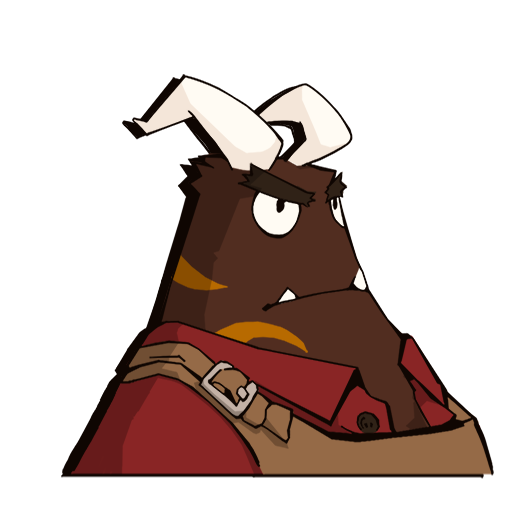
Damon
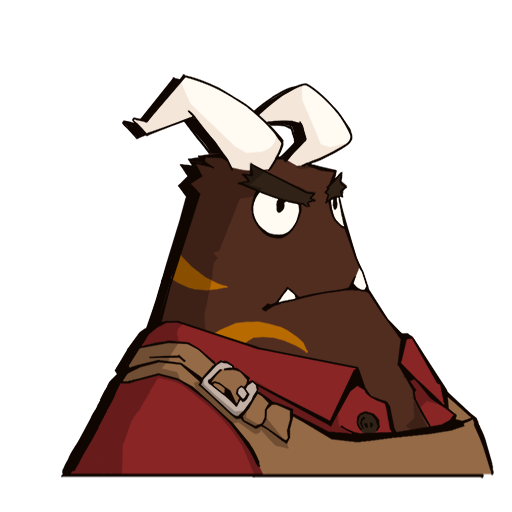
A demon who dreams of becoming the Great Demon King. He helped a mysterious child at the request of an old friend but got cursed and has been unable to be separated from that child since.

The Mysterious Child
A child of unknown origin. She innocently adores Damon, and her smile touches the hearts of all those around him.
■ New characters

Yugeno Mikoto (Mei)
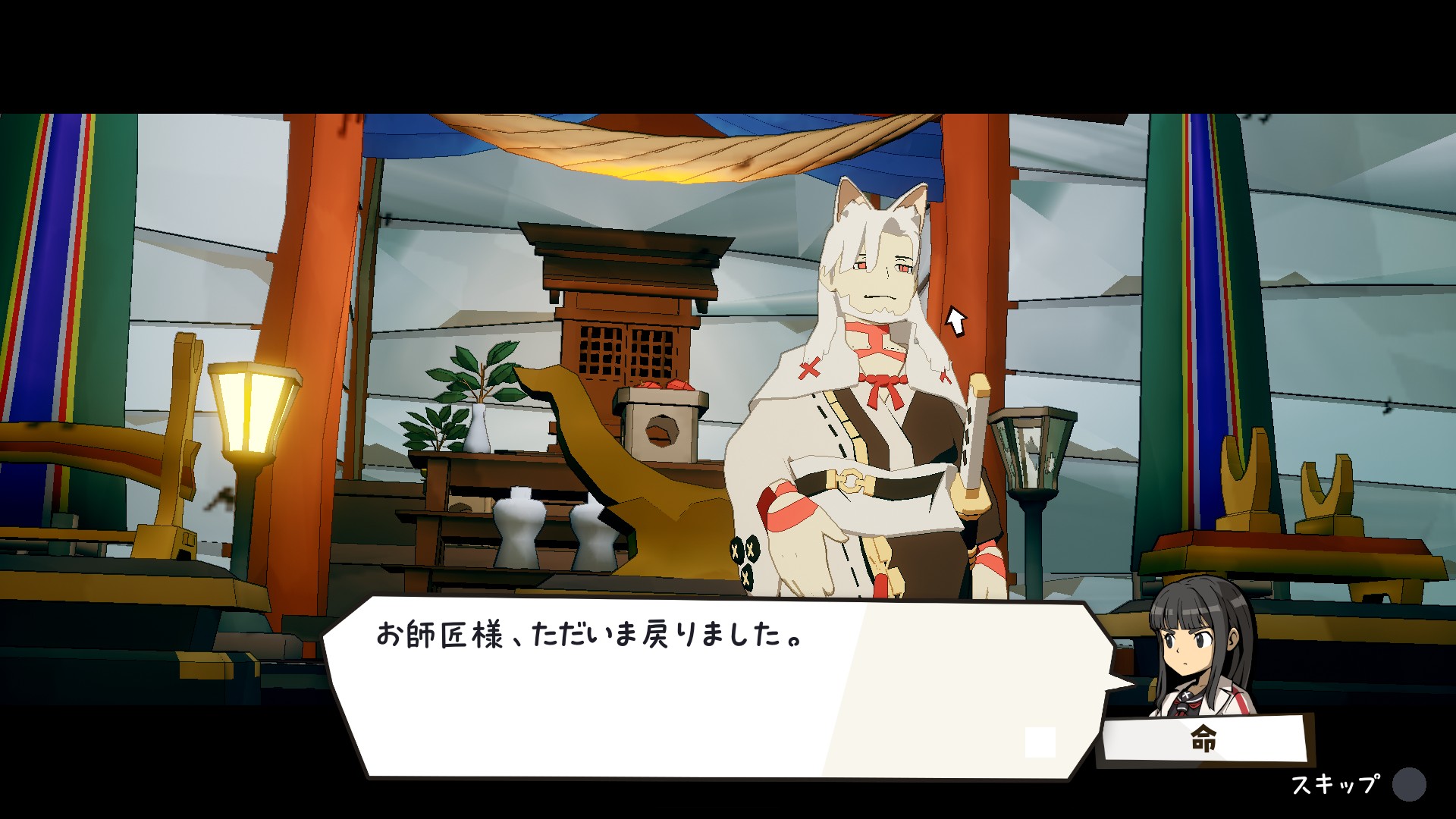
An apprentice Onmyoji (exorcist). She accompanies Damon providing support on his journey.

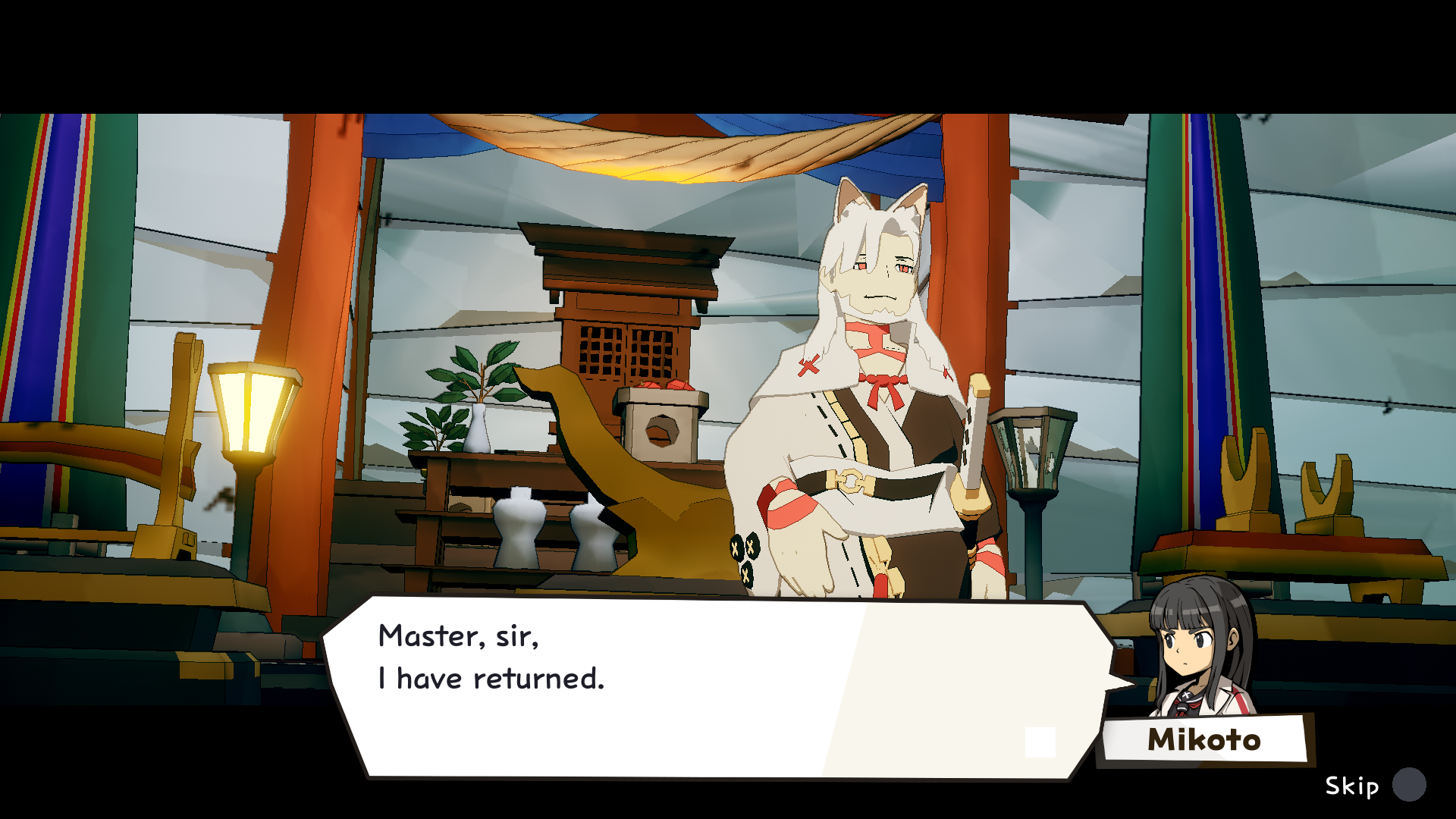
Izuna
A mysterious being, distinct from demons and angels, and Yugeno Mikoto’s mentor.
They are seeking the “Three Sacred Treasures” in order to escape from “Yomotsu-Hirasaka” (the slope to the underworld).

Gedomaru
Yugeno Mikoto’s servant. He will give you useful items in exchange for “MANA”.
| DAMON and BABY (Standard Edition) – Nintendo eShop |
| https://www.nintendo.com/us/store/products/damon-and-baby-switch/?srsltid=AYCX9vL5vj7qsq0B7q4ulNNT2D82Uq-uvZ36i1oxGN4gyEGBMmdwcq-N |
| DAMON and BABY Deluxe Edition – Nintendo eShop |
| https://www.nintendo.com/us/store/products/damon-and-baby-deluxe-edition-switch/?slug=damon-and-baby-deluxe-edition-switch |
| ‘DAMON and BABY’ (PlayStation Store) |
| https://store.playstation.com/en-us/product/UP0036-PPSA29511_00-0127969198442568 |
| DAMON and BABY (Steam) |
| https://store.steampowered.com/app/3557460/ |
『DAMON and BABY: RISE OF THE ORACLE』パッケージ版が2027年2月18日(木)に発売決定
アークシステムワークス株式会社は、見下ろし型ガンアクションアドベンチャー『DAMON and BABY: RISE OF THE ORACLE(デイモン&ベイビー: ライズ オブ ジ オラクル)』のパッケージ版を、Nintendo Switch™/PlayStation®5にて、2027年2月18日(木)に発売いたします。
■ 『DAMON and BABY: RISE OF THE ORACLE』発売決定 !
アークシステムワークス株式会社は、見下ろし型ガンアクションアドベンチャー『DAMON and BABY: RISE OF THE ORACLE(デイモン&ベイビー: ライズ オブ ジ オラクル)』のパッケージ版を、Nintendo Switch™/PlayStation®5にて、2027年2月18日(木)に発売いたします。
本作は、Nintendo Switch™/PlayStation®5/PlayStation®4/Steam®向けに好評配信中の
『DAMON and BABY(デイモン&ベイビー)』に、エクストラストーリー「RISE OF THE ORACLE」を収録し、タイトルを一新したものです。
また同日、ダウンロード版にもエクストラストーリー「RISE OF THE ORACLE」を無料アップデートとして配信いたします。すでに本作をお持ちの方も、無料で新章をお楽しみいただけます。
本作の発売に合わせてダウンロード版に、Nintendo Switch™2版の発売が決定!既にNintendo Switchのダウンロード版をご購入の方ならびに、あらたにパッケージ版を購入いただいたお客様は「アップグレードパス」のみのご購入で、「Nintendo Switch 2 Edition」にアップグレードできます。
撃つ、避ける、見切る。手応えで殴り返してくるガンアクション
全方位に照準を合わせ、敵弾の隙間を縫って撃ち抜く -精密な操作と瞬時の判断が要求される、本格派ツインスティックシューター。
ハンドガン、マシンガン、ショットガン、RPG。武器ごとに射程・弾数・リロードの隙・構え中の機動力が異なり、どの間合いでどれを握るかが生死を分けます。近接攻撃も織り交ぜ、弾を切らさず攻め続ける立ち回りが求められます。
各エリアに待ち受けるボスは、それぞれ固有の攻撃パターンと攻略の糸口を持つ強敵。動きを読み、装備と戦術を組み替え、自らの腕で撃ち破りましょう。腕試しを求めるプレイヤーには、戦闘とアスレチックの技量を問う高難度ステージ「ブラッドエッジ卿の試練」も用意されています。
広大な世界を踏破する、探索型アクション
複雑に入り組んだフィールドには、分岐するルート、隠し通路、強力な武器やチャームが数多く隠されています。新たな能力を手に入れれば、それまで進めなかった場所へ到達可能に。一度攻略したエリアにも、新たな発見が待っています。
武器、スキル、指輪、チャーム、料理を組み合わせ、自分のプレイスタイルに合わせたビルドを構築。正面から高火力で押し切るか、攻撃をかわしながら遠距離から狙い撃つか。強敵に応じて構成を見直し、最適解を探り当てるのがこのゲームの核心です。
子連れ魔王という、奇妙な相棒関係
主人公は、不思議な子どもと離れられなくなった魔王「デイモン」。呪いを解くための冒険は、1970年代アメリカを思わせる乾いた世界を舞台に進みます。
オフラインでの二人協力プレイにも対応。2人目のプレイヤーは相棒の犬を操作し、アイテム収集や戦闘アシストで難関を共に突破します。
エクストラストーリー「RISE OF THE ORACLE」を収録。戦場は「和風異界」へ
パッケージ版には、本編に加えてエクストラストーリー「RISE OF THE ORACLE」を収録。和風異界「黄泉比良坂(よもつひらさか)」を舞台に、新たな敵との戦いが待ち受けます。
★破られた平穏と、新たなる旅立ち
つかの間の穏やかな日々を過ごしていたデイモン一行。
しかしある日、突如として舞い込んだ「恩人を救ってほしい」という切実な声によって日常は終わりを告げます。
愛する家族の平穏を守るため、デイモンは謎に包まれた扉の深奥へと足を踏み入れます。
★新舞台「黄泉比良坂」と三種の神器
扉の先は、紅葉とキンモクセイが香る東洋の異界。妖怪を模した謎の悪魔と、火王・水王・木王の結界が立ちはだかります。
「八咫鏡(やたのかがみ)」「天叢雲剣(あめのむらくものつるぎ)」「八坂瓊勾玉(やさかにのまがたま)」を集め、全宇宙のルールを破る儀式へ挑む、和風伝奇バトルが幕を開けます。
■キャラクター(主人公)
『デイモン』
大魔王を夢見る悪魔。旧友の願いで不思議な子どもを助けたことに よって、その子供から離れられない呪いにかかった。不本意ながらも 子どもを連れて旅をすることになる。

『不思議な子ども』
正体不明の子ども。無邪気にデイモンを慕い、その笑顔は周囲の心を動かしていく。
■初登場キャラクター

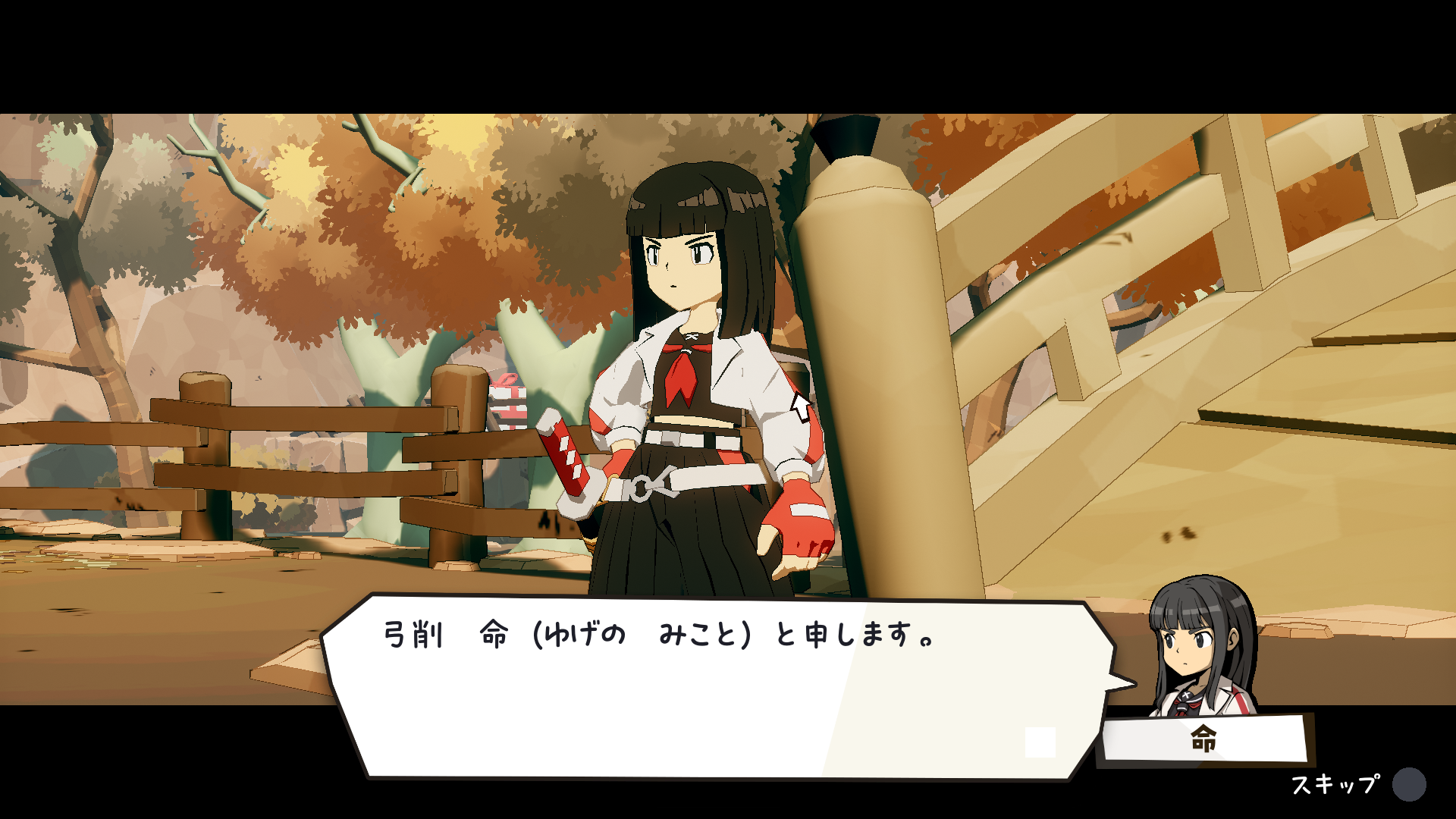
『弓削 命(ゆげのみこと)』
見習い陰陽師。デイモンの旅をサポートするため同行する。

『イズナ』
悪魔や天使とは異なる謎の存在であり、弓削命の師匠。
「黄泉比良坂」から脱出するため「3つの神器」を求めている

『外道丸』
弓削命の使い魔。「MANA」と交換で役立つものをくれる。
| 『DAMON and BABY(デイモン&ベイビー)』通常版 ニンテンドーeショップ |
| https://store-jp.nintendo.com/item/software/D70010000110530 |
| 『DAMON and BABY(デイモン&ベイビー)』デラックスエディション ニンテンドーeショップ |
| https://store-jp.nintendo.com/item/software/D70070000033434 |
| 『DAMON and BABY(デイモン&ベイビー)』PlayStation Store |
| https://store.playstation.com/ja-jp/concept/10014824 |
| 『DAMON and BABY(デイモン&ベイビー)』Steam |
| https://store.steampowered.com/app/3557460/ |
DEMONS' NIGHT FEVER: A Message from the Producer Regarding the English Localization Version
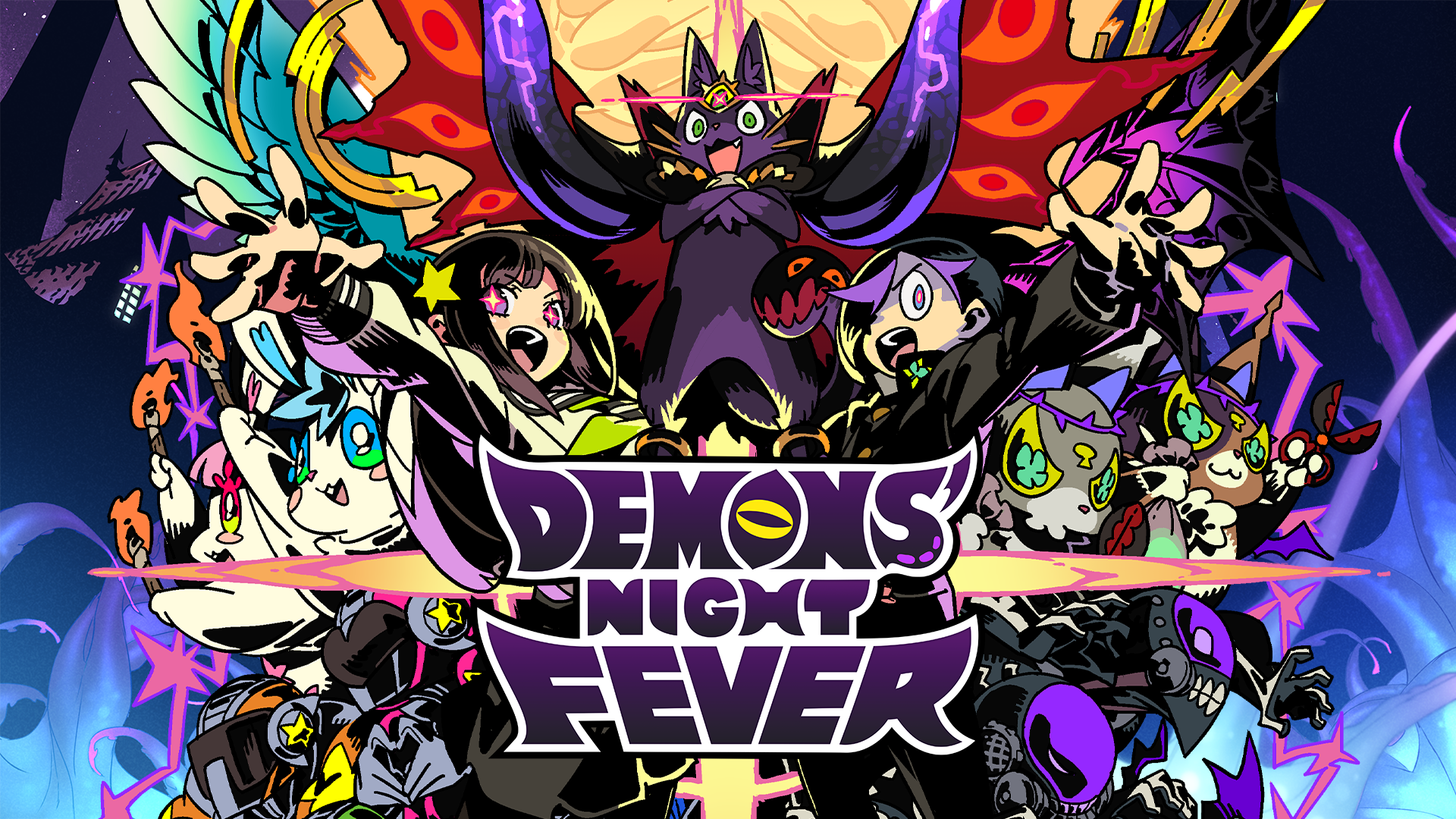
To all the game fans who purchased Demons’ Night Fever, I offer my heartfelt thanks.
This title is a work very close to my heart, one whose concept and scenario I began working on right after leaving Nippon Ichi Software. Under the concept of “enjoying evil,” we developed this game to deliver mechanics and a gameplay feel completely different from the Disgaea series, turning traditional Strategy RPG norms on their head.
Currently, we are receiving a significant amount of feedback and criticism regarding the localization from players in English-speaking regions. To all the fans who were eagerly looking forward to the game, I sincerely apologize on behalf of the project for causing frustration and concern. In response to your feedback, we are actively reviewing translations that deviate from the original Japanese scenario’s intent. While it is difficult at this stage to promise the exact scope of adjustments, I am committed to making every effort to ensure an appropriate resolution. Once our policy and schedule for addressing this are finalized, we will share updates as they become available. It will take some time, but we kindly ask for your patience.
Not simply limited to this issue, we will continue to value communication with our players so that as many game fans as possible can enjoy “being evil.” We are deeply grateful for your warm support.
Producer
Sohei Niikawa
[Qliphah in Providence's Shadow]Update Patch Ver. 1.05
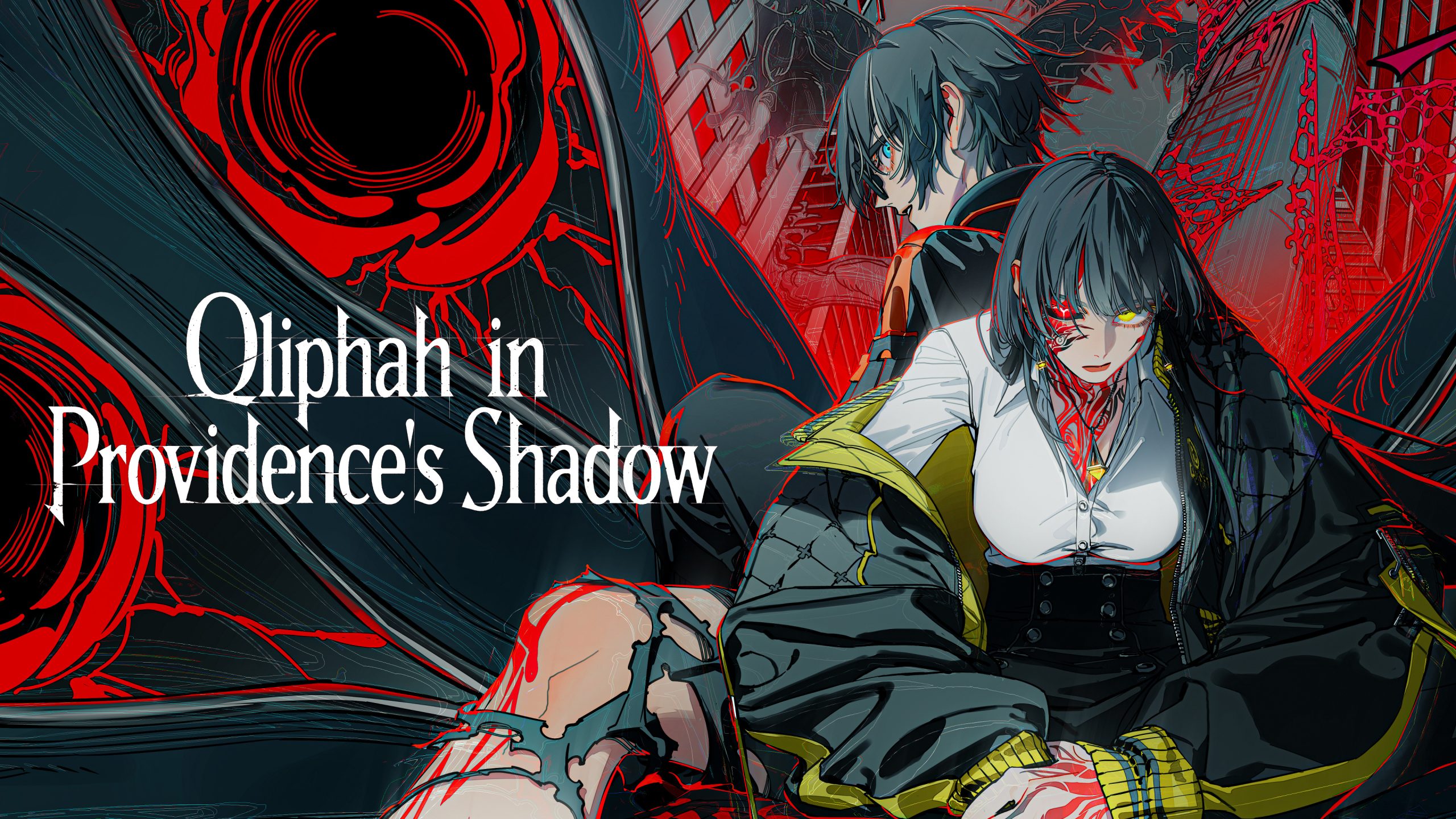
Update Patch Ver. 1.05 is now available, featuring various quality-of-life improvements and bug fixes.
◆ Improvements & Adjustments
■Added “Casual Mode” for beginners and players unfamiliar with the game
- In Casual Mode, leaving skill slots empty will automatically attempt counterattacks whenever possible.
- When your partner takes a defense-focused action and is targeted by a White Attacks, they will prioritize dodging over countering.
- Attack power is reduced, but defense is increased.
- Can be toggled at any time from the Main Menu.
- This is an assist feature intended to help you get used to the controls; we recommend turning it OFF once you feel comfortable with the gameplay.
■Disabled the highest difficulty, “Dread,” when starting a new game
- To prevent players from selecting it before understanding the mechanics and getting overwhelmed, it can no longer be chosen at the start of a playthrough.
- Once the game has started, anyone can switch to Dread at any time via the Options menu.
■Improved overall clarity and accessibility
- Reduced the number of early-game encounters where large groups of enemies spawn at once.
- Reduced the frequency of White Attacks based on the selected difficulty.
- Adjusted visual ring indicators for enemy attacks to make them easier to read.
■Improved indicators for high-danger and optional early-game areas
- These areas are now marked with special purple icons to clearly indicate that they do not directly impact main story progression.
- A confirmation prompt warning of danger will now appear if there is a significant level difference.
■Adjusted Slow-Motion mechanics
- Added an option to display an arrow indicating which player an enemy is targeting while slow motion is active.
- The default slow-motion speed has been increased to 50% when “No Skill” on the timeline and during “Focus”.
- The Sub-Palette remains at the previous 10%. Both settings can be adjusted at any time in Options.
- Because these settings are tied to system save data, existing players will currently have both set to 10%. Please adjust them to your preferred speed in the Options menu.
■Further adjusted and eased counter timing for early-game attack skills
- Improved performance during charged states while preserving each skill’s distinct characteristics.
■Added shortcut options for switching targets
- You can now choose from two shortcut methods to switch targets:
- Hold the Arcanum button + Left / Right
- Hold Switch Character button + Left / Right
- These shortcuts can be enabled or configured in Options at any time.
■Added gameplay guides to the Main Menu
- Added as an in-game strategy reference to assist you on your journey through the game.
◆ Bug Fixes
・Mitigated an issue where time could not be stopped while executing an Arcanum attack.
・Fixed a bug where the timeline could become misaligned when using certain skills.
・Fixed an issue where the ring indicators for certain enemy attacks were misaligned.
・Fixed a bug where buffering/queueing a skill during a cancelable window under specific conditions caused the skill to incorrectly enter a recharge state.
・Fixed confusing elements for the Chapter 2 boss’s cocoon and the Chapter 4 boss’s coffin, adjusting behavior and updating descriptions.
[神貌のクリファ]アップデートパッチVer.1.05
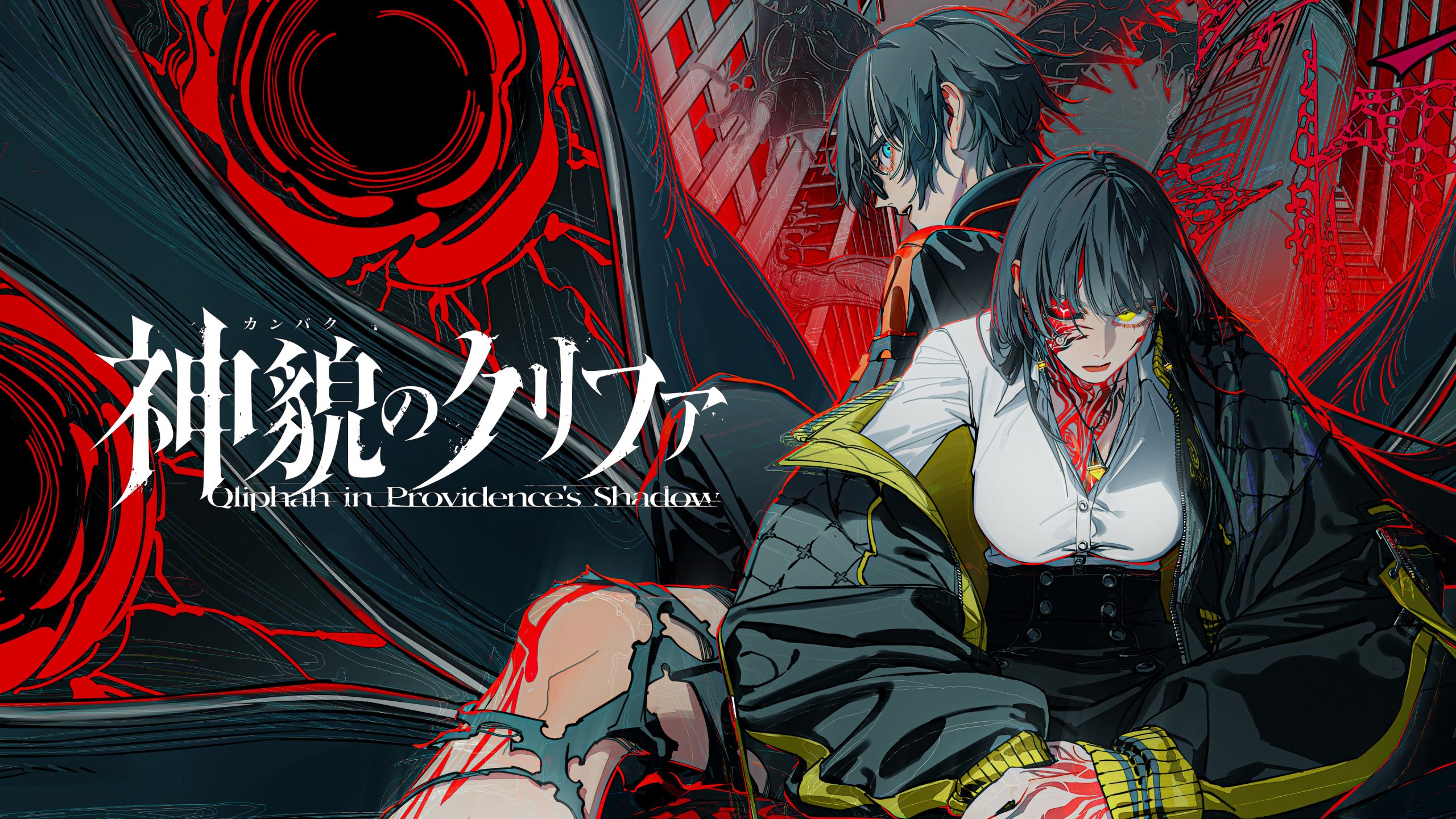
各種仕様の改善、および不具合修正を行うアップデートパッチVer.1.05を配信いたします。
◆改善対応
ゲームが不慣れな方へ向けて《カジュアルモード》が搭載されました
- カジュアルモードではスキルを空にしていると、自動でできる限りカウンターを狙います。
- パートナーが防御特化の行動を行い、白攻撃で狙われている場合はカウンターはせず回避に専念します。
- 攻撃力は低下しますが防御力が上昇します。
- メインメニューからいつでも変更可能です。
- 操作に慣れるまでのアシスト機能ですので、ゲームに慣れたらOFFにする事をおすすめします。
最高難易度《Dread》について、ゲーム開始時に選択できない様にしました
- ゲームルールがまだ分からない状態で選択してしまい、混乱する状況を防ぐため、ゲーム開始時は選択できない様にしました。
- ゲームを開始すれば、どなたでもいつでもオプションから変更できます。
ゲームを全体的に分かりやすくなるように改善いたしました
- ゲーム序盤において、多くの敵が出る状況を減らしました。
- 難易度に応じて白攻撃の頻度が低下するようにしました。
- 敵攻撃のリング示唆について、分かりやすくなるように一部修正を致しました。
序盤で突入する必要のない地点や危険な地点を分かりやすくしました
- 特別な紫色のアイコンで示され、ゲームの進行には直接影響のない事を分かりやすくしました。
- レベル差がある場合は危険さを確認するメッセージが出るようになりました。
スロー状態の調整がなされました
- スロー中に、敵がどのプレイヤーを狙っているかの《矢印を表示させる機能》をオプションに追加しました。 スキルがタイムライン上で《空の状態》と《集中》時で、デフォルトのスロー値が50%に早められました。
- サブパレット時は10%と以前のままとなっています。これは両方オプションからいつでも変更できます。設定はシステムセーブ値ですので、既に購入された方は両方とも10%となっています。その場合はオプションからお好みの速度に調整してください。
序盤で入手できる攻撃スキルのカウンター性能を更に緩和調整しました
- 個性を持たせつつ、チャージ状態での性能を向上させました
ターゲットを切り替えるショートカット操作を増やすオプションを用意しました
- 2種類から選択でき、以下の操作でターゲット切り替えが可能となります
- 秘儀ボタン押しっぱなし+左右
- 操作キャラクター切り替えボタン押しっぱなし+左右
- オプションでいつでも増やす事が可能です
攻略記事をメインメニューに追加しました
- 攻略用ヘルプとして追加いたしました。ゲームを攻略する道しるべとして使っていただければと思います。
◆修正&不具合対応
- 秘儀の攻撃実行中に時間を止められない問題を緩和しました
- 一部のスキルにおいて、タイムラインがズレる事がある不具合を修正しました
- 敵攻撃のリング示唆がズレている技がいくつか発見されましたので、これを修正しました
- 特定の状況で、キャンセル可能なタイミングでスキルを予約した時、リチャージ状態のスキルになってしまう問題を修正しました
- 2章ボスの繭と4章ボスの棺桶について、わかりにくい箇所があったため説明文と共に一部挙動を修正しました